Hi everyone,
I'm building a list of companies headquartered in the province of Málaga, Spain, sorted by sales.
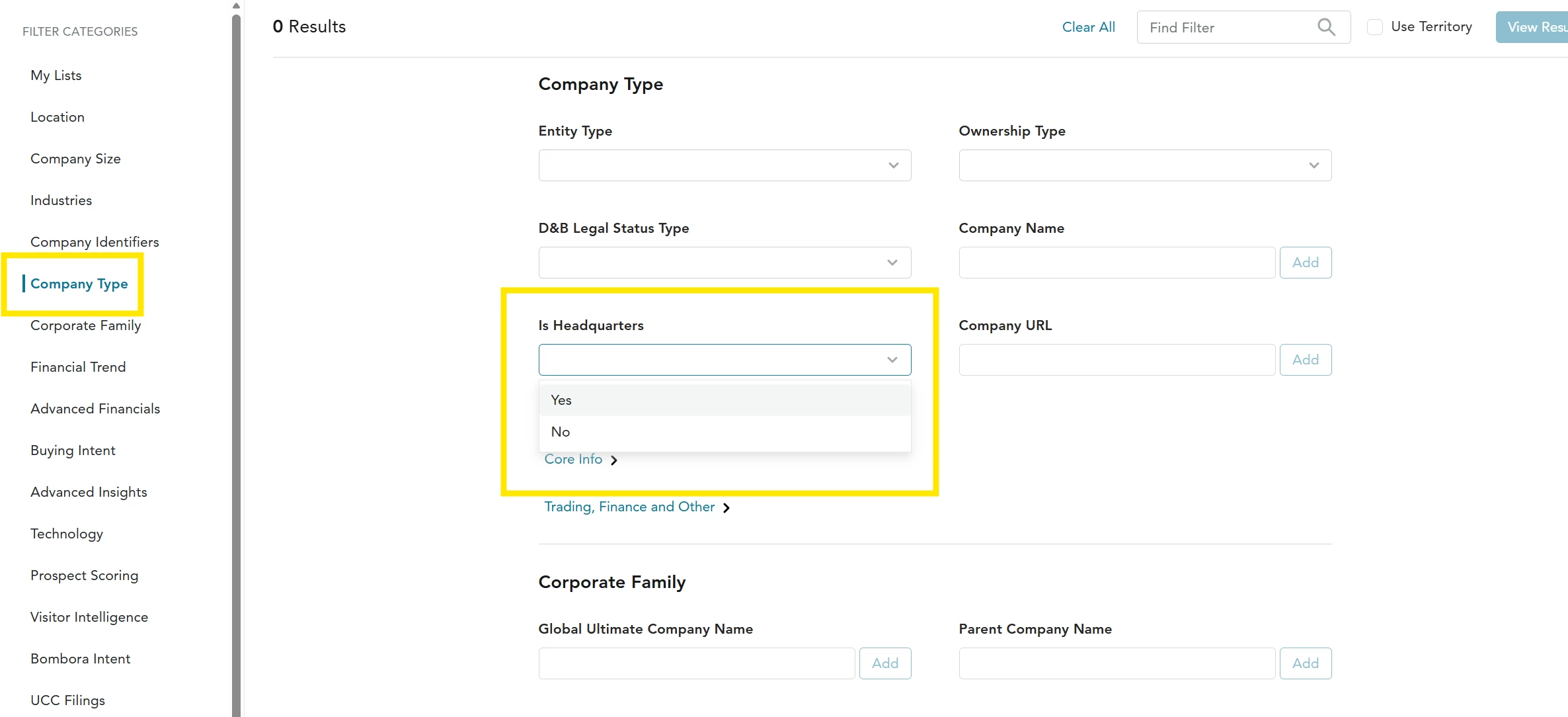
When I filter by State/Province = Malaga, Spain, I get companies whose headquarters are elsewhere. For example, Consum S Coop V (HQ in Silla, Valencia) and Semark AC Group SA (HQ in Cantabria). I assume they show up because they have branches or stores in Málaga.
My questions:
- Does the location filter apply to all locations in a corporate family, or only to the company's primary address? Is there a setting to apply it only to the headquarters / registered address?
- What is the right combination of the Parent / Subsidiary / Branch / Single Location filter to keep only companies whose decision headquarters is in Málaga?
- Is a postal code filter (29xxx) more reliable than the province filter for this?
- D&B.AI gave me a results list inside the chat, but I can't save it or turn it into a list. Is there a way to convert a D&B.AI answer into a saved search or a list?
Thanks in advance!